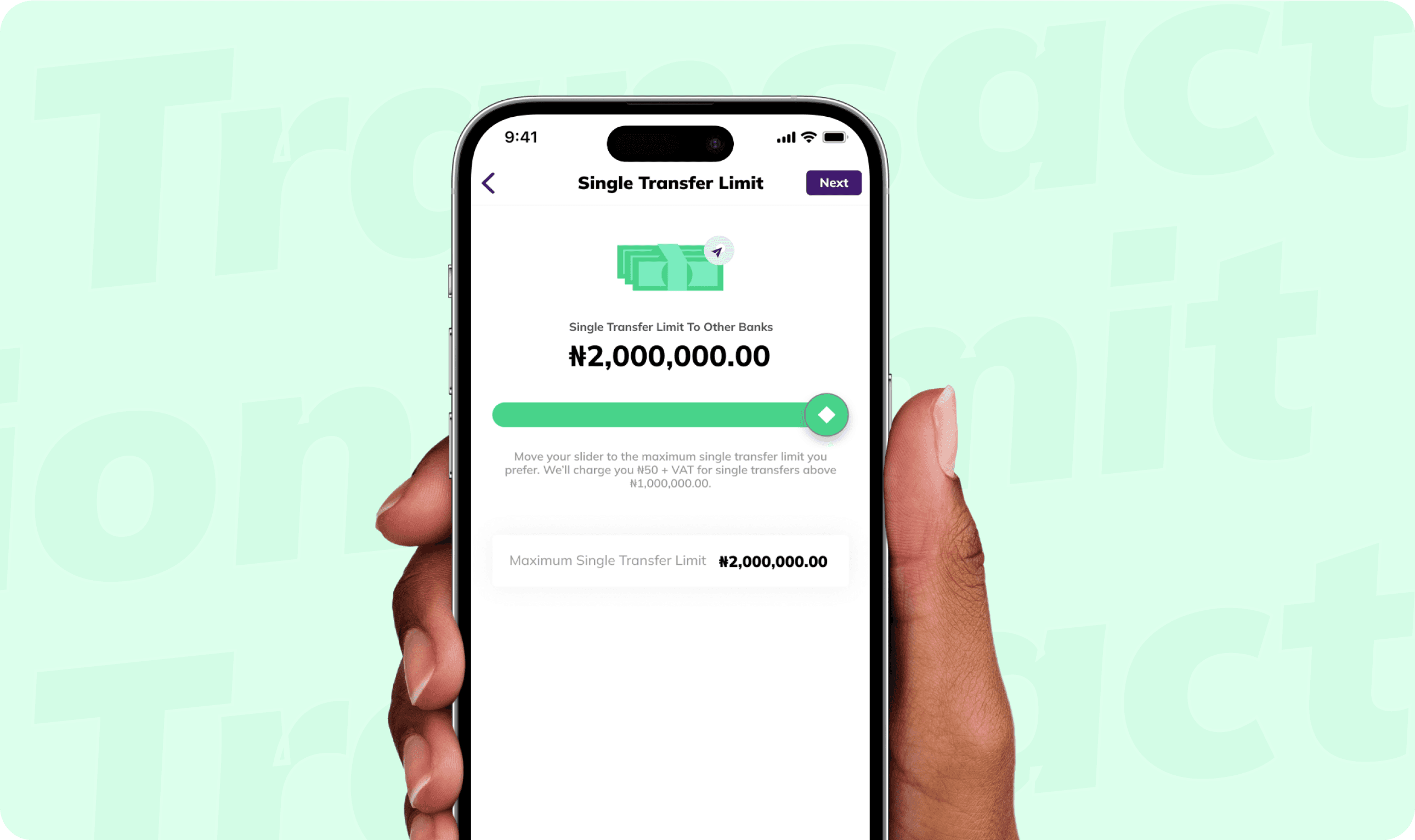
Kuda, the money app for Africans provides financial solutions for over 7 million customers in Nigeria. I created a system that helps manage the different products, file organization and workflow structure.
ROLE
Product Design
Design System Manager
PLATFORM
Web
Mobile
BACKGROUND
Kuda’s core design team was growing quickly to meet all its design needs for the expansion project and future updates. And what started as a team of 3 was slowly becoming a team of 5+ and growing quickly.
All the design assets were stored on a page called Design System on each design file. The objective was simple, create each UI element into reusable and discoverable components.
CHALLENGES
Consolidating all the existing visual styles and elements into one design system was not an issue, the major issues were:
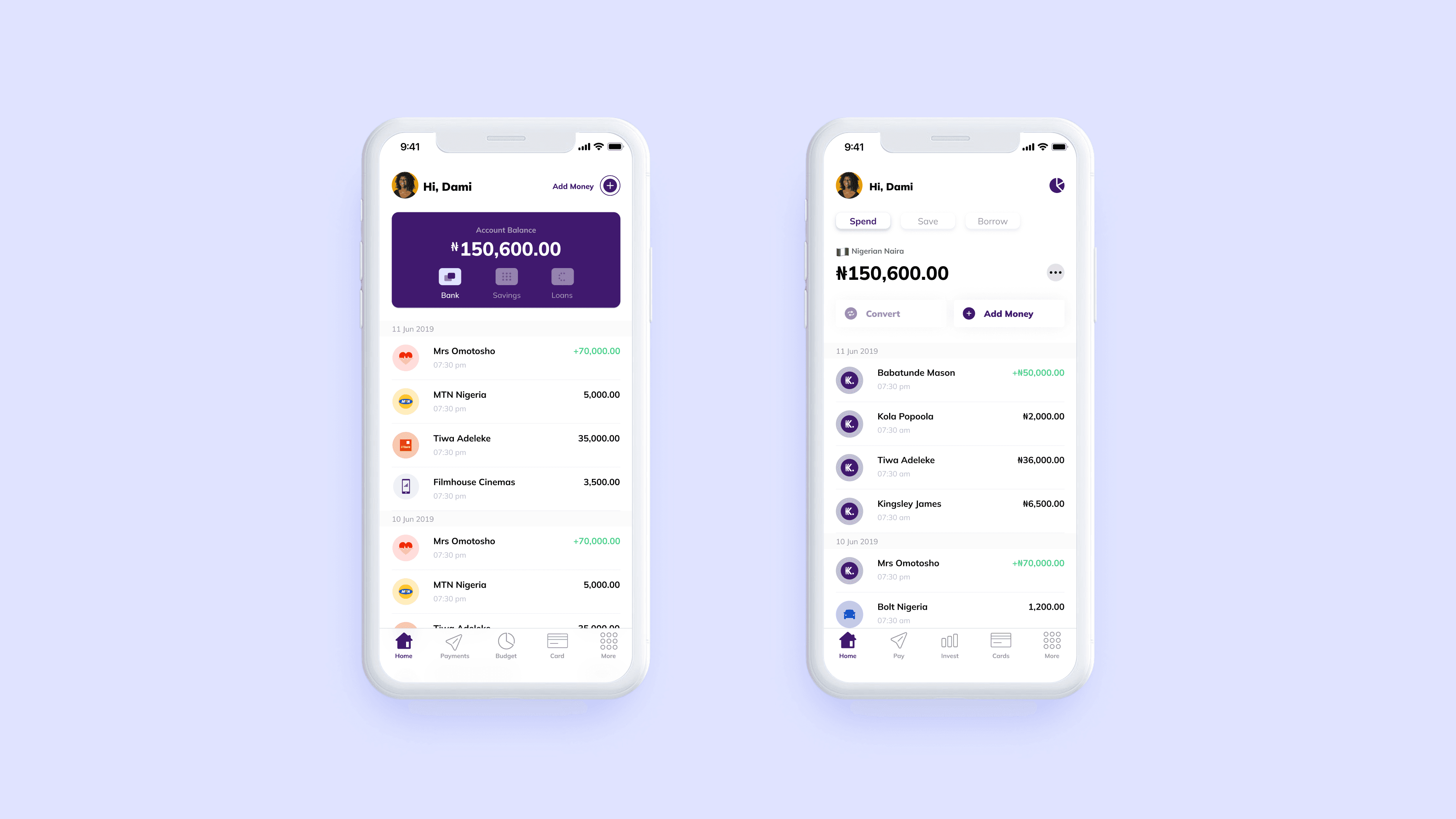
Kuda was expanding, so a new app was being built with different design styles.
We had to account for both styles of components.
Kuda was also going to launch a business app.
Mobile and web had different component styles.
SCOPE
It was an experiment and not a fully formed team, so we didn’t have enough resources for a full Design System project. Hence, the design system was to be made for designers first, before pitching to scale it.
Goals
Consolidating all the existing visual styles and elements into one design system was not an issue, the major issues were:
Create a design system (in Figma) considering the availability of the team.
Ensure the Design system is accessible to all
Document the Design System and reduce the dependency on the team lead
Reduce the time it takes to find a component
Onboard new team members faster, since it’s a fast-paced environment.
Process
We tackled each product one at a time, we started with the Legacy app since it had most of the foundational UI elements and scaled it to the other products.
Research
We did some research on how to handle cross-platform & multi-brand design systems. We also found out how to structure files for the design system. We settled for the separate files approach, here the foundations and the component library were two separate files published in the workspace.
design audit
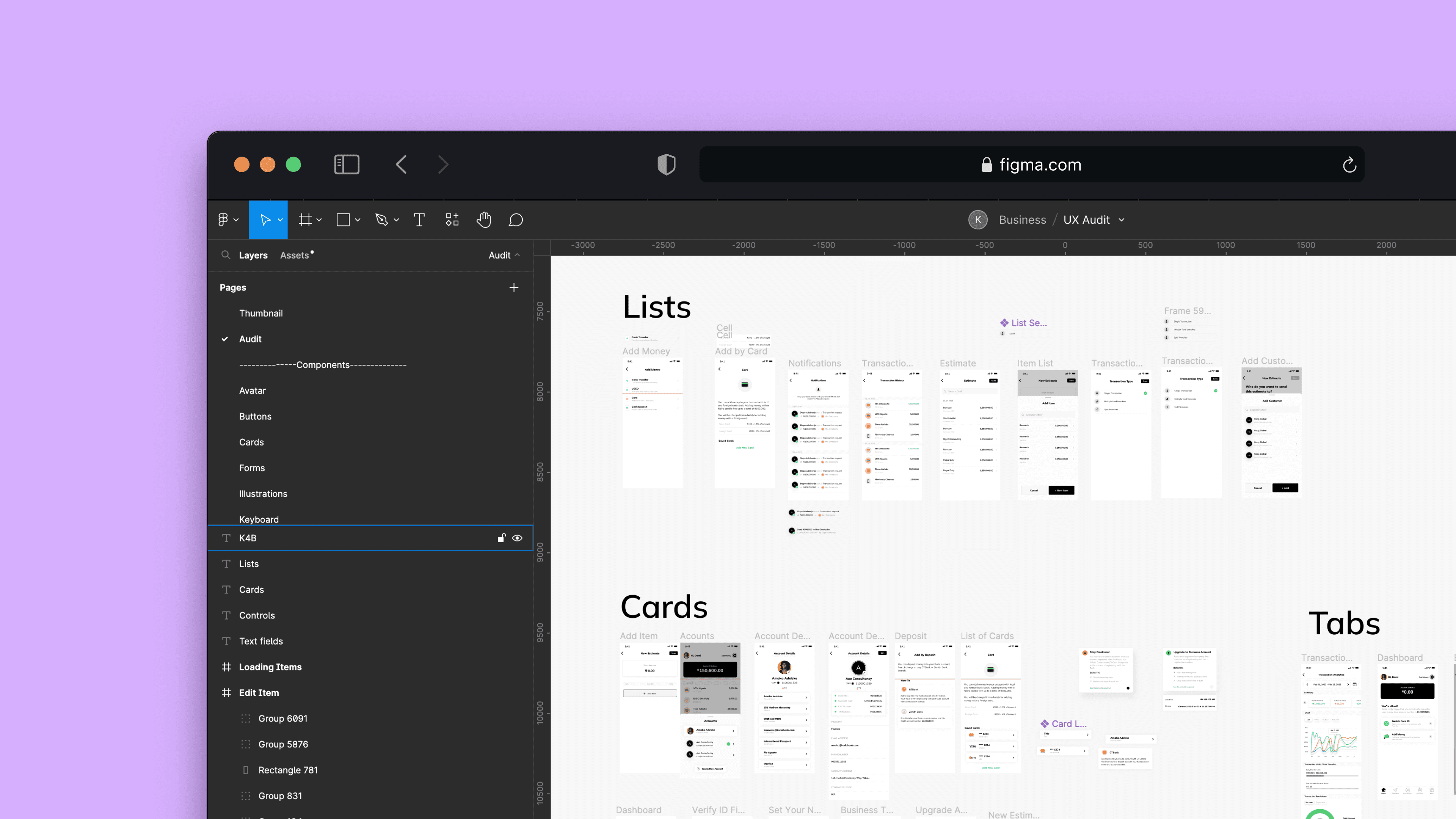
We moved on to searching the app for UI elements that were used repeatedly and added them to an existing list of predefined components to be created. At the time, about 5 live features were spread across multiple Figma pages.
Structure
The “Foundation” file contained mostly styles, text styles, colours, shadows and Icons. These styles were published to the workspace, in this case, the design system.
After testing this approach, it was best to have the icons and text styles on separate files.
Eventually, we settled on 4 file design system structure consisting of Foundations, Text Styles, Icons and Component Libraries.
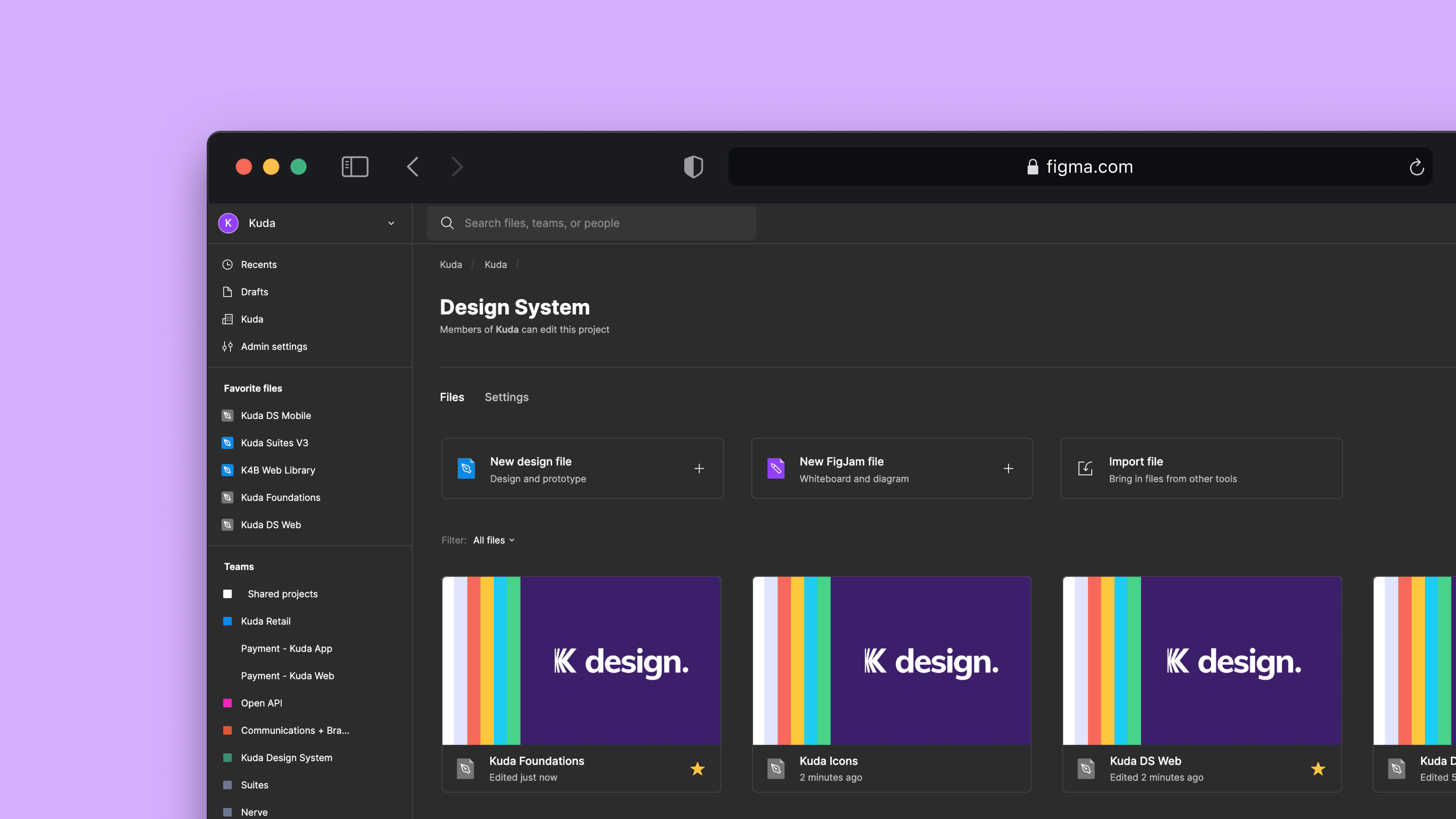
Component library
We created separate components for mobile and web because of their differences. Hence, we maintained two libraries for the components and a single shared library for Android and iOS (Mobile)
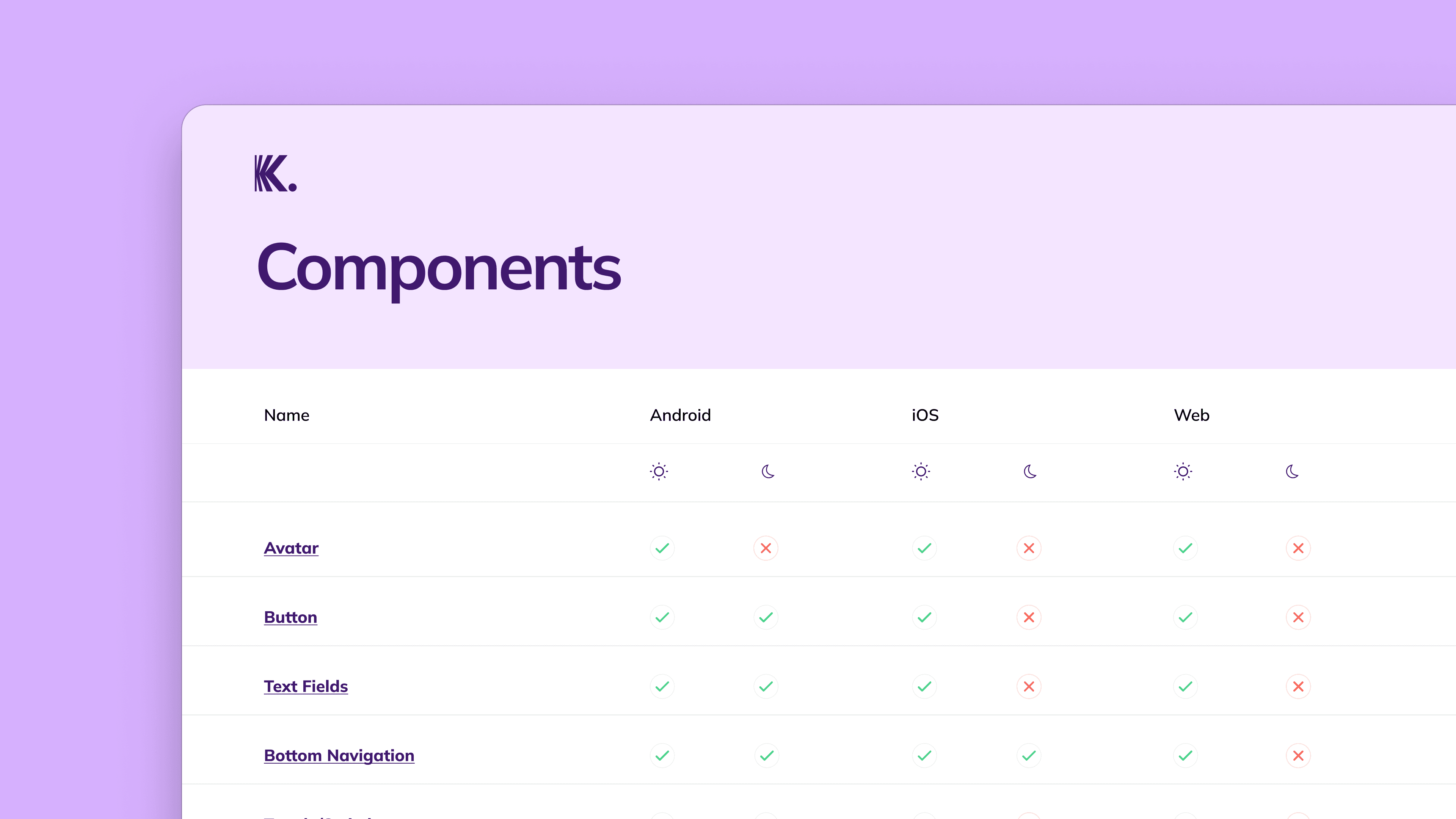
THEMING
Other than the regular themes (light and dark), we introduced a new theme for Kuda Business. Kuda Business, simply put is a different bank account type for business owners. The product’s core was the same as the retail app. Besides the obvious business features difference, the major difference was the branding (logo and colour).
Documentation
Initially, documentation was done on Notion and we linked the documentation of each component on Figma. Documentation was slow but we knew it was important if we were going to get mass adoption by our teammates (including the engineers).
We also created some Documentation in Figma and started some short video demos for Components.
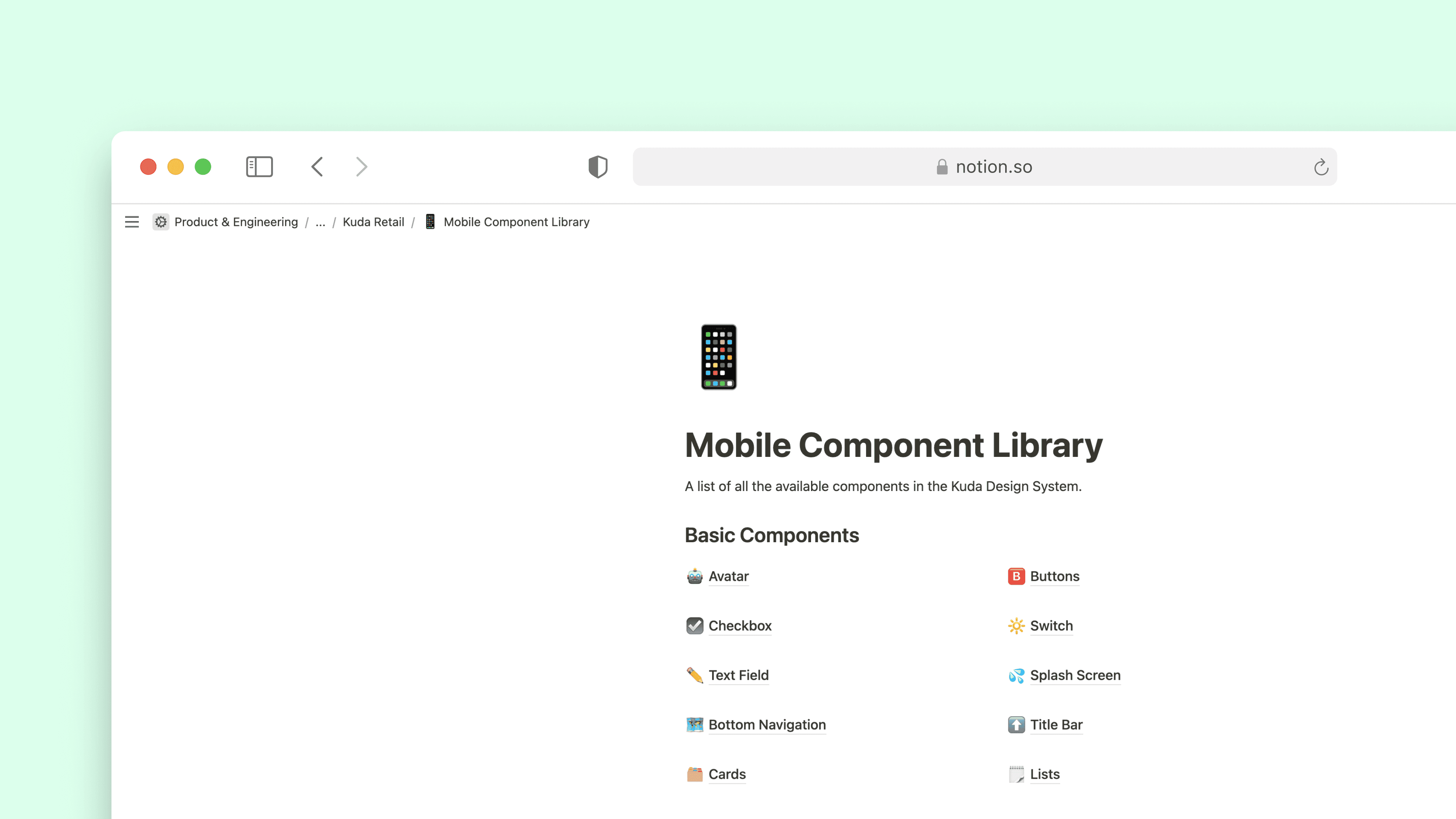
Notion Documentation
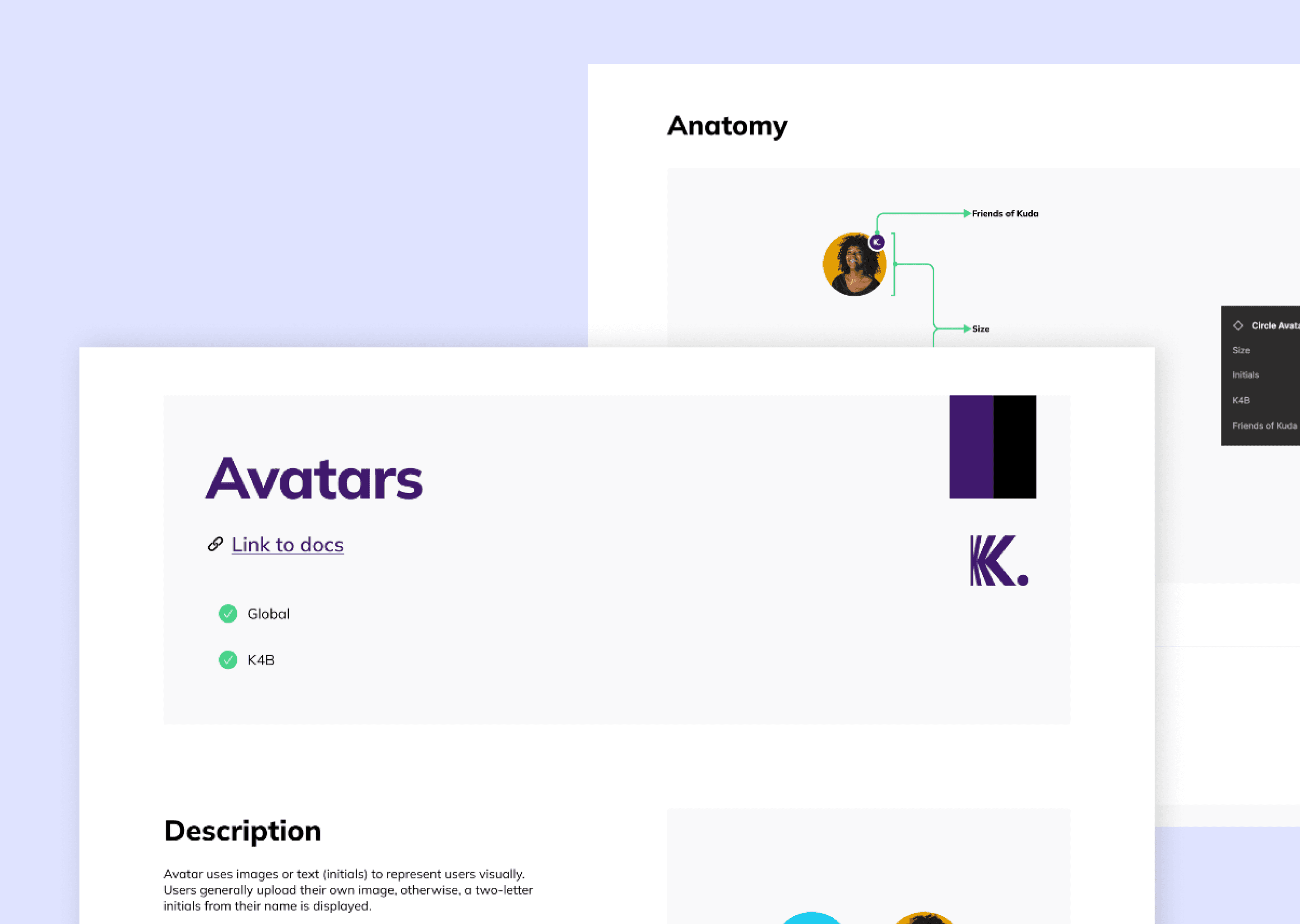
Figma Documentation
INTERNal Communications
We currently push updates to `k-designsystem` on slack, and have short meetings when we make important changes or migrations.
Future plans include:
Launching a newsletter for design system updates
Hosting a Kuda design system website with documentation and a sandbox for people to try out the components
metrics
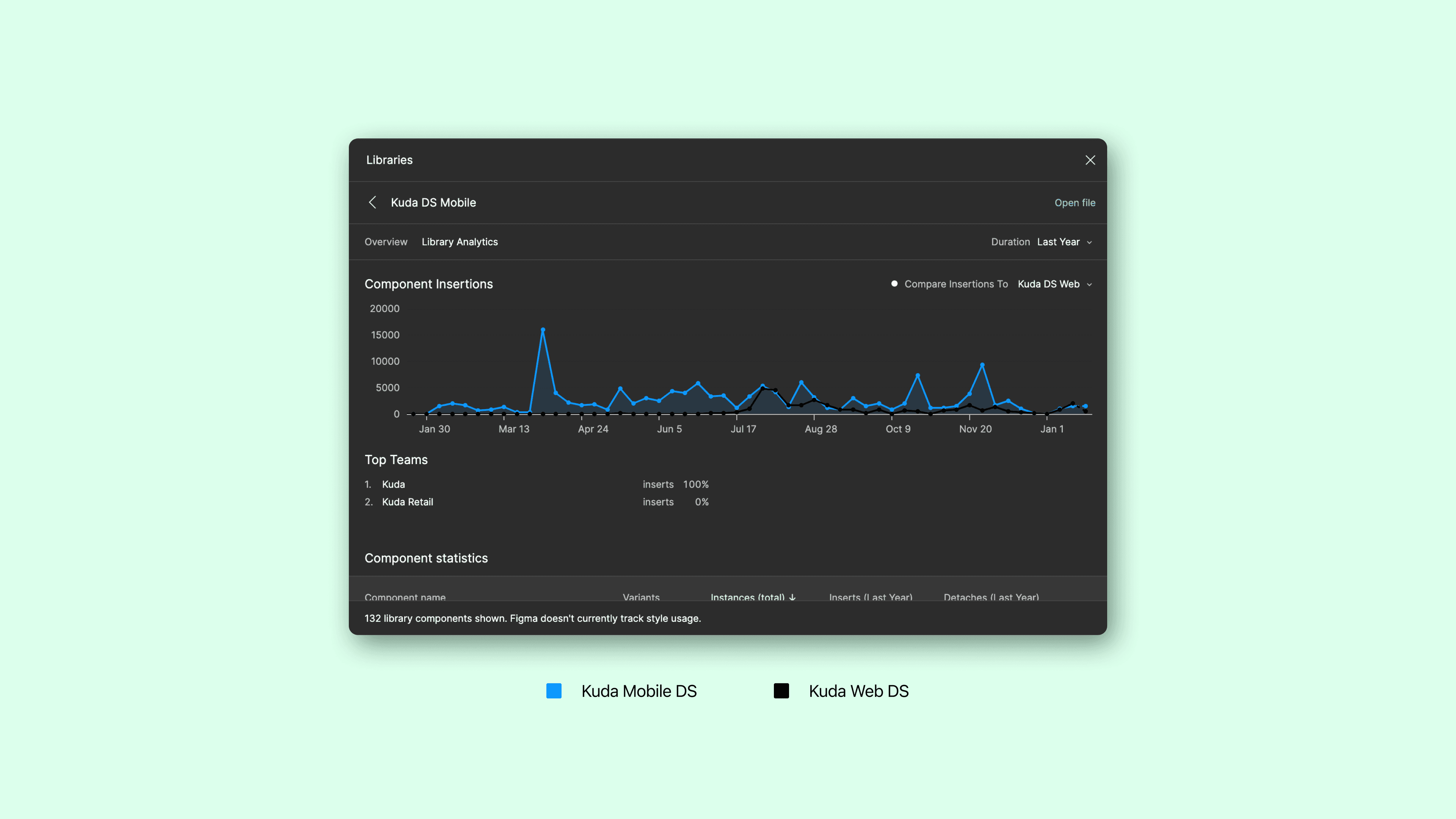
Kuda’s Design System is currently being used by 13 designers and maintained by 2 designers.
3 Component Libraries (Web, Mobile and Icons) and 1 Style Library
100+ components
Used in 3+ Kuda Products
Notion Documentation
Takeaways
Converted static/page-by-page DS to a fully searchable component library
File structure - Foundation, Component Libraries, Text Styles, and Icon Library
Cleaned-up existing text style
Started multi-platform Design System